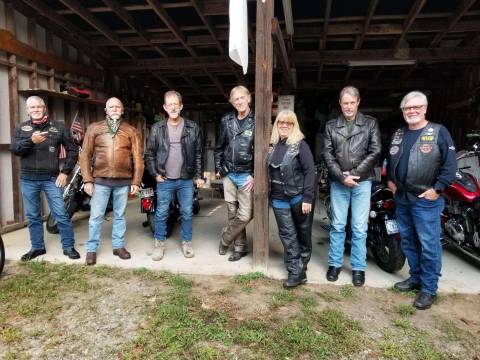
You need to use the IMG code for posting in a forum, but that has nothing to do with the actual size of the picture. For that, you need to 're-size' your pics - whether they're already in albums at Photobucket or have yet to be uploaded.
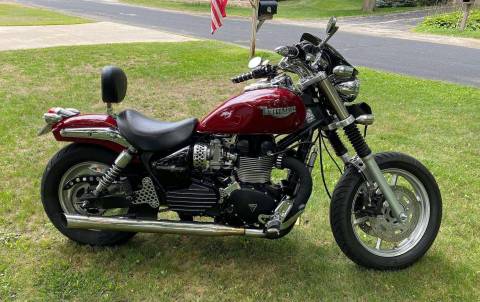
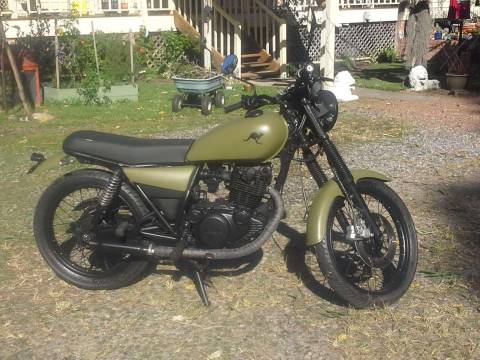
For pics that are already there, you've gotta click on 'edit'. Once the screen changes to the edit mode, you need to click re-size, then 'pre-set sizes'. Clicking on large will give you the largest pics (in this thread).
For new pics just uploaded, you go thru the same steps but if I remember correctly, you don't need to click 'edit' first.
Be advised that you can only re-size smaller - can't go from a medium back to a large, etc. If you want to go bigger again, you'll have to upload the pic to photobucket again then re-size to large.
Each time you re-size, you'll get a warning message that re-sizing may cause - hard to remember... something to do with your album not loading correctly I think, but I've done it a 100x or so & had no problems whatsoever.
After you've re-sized, ya' can now go to IMG link & post 'em up.