|
|
 adding photos
|
Joined: Jun 2008
Posts: 60
Member
|
OP

Member
Joined: Jun 2008
Posts: 60 |
So, how do you add a photo to a thread post?
|
|
|
Re: adding photos
|
Joined: Feb 2007
Posts: 23,244 Likes: 64
Fe Butt
|
|
Fe Butt
Joined: Feb 2007
Posts: 23,244 Likes: 64 |
when you type in a post check the "preview post" box on that page you will see UBB Code click image there and a box will come up. Now go to the pic you want to post and right click it then click properties then highlight "location" and copy then paste that into the little box you opened. If Photobucket copy and paste the "direct link" into that box. If there are other variations on that for other picture hosts maybe someone else can chime in on that.
I learned all I need to know about life by killing smart people and eating their brains.
Eat right ,Exercise ,Stay fit, Die Anyway!
|
|
|
Re: adding photos
|
Joined: Jun 2008
Posts: 60
Member
|
|
OP
Member
Joined: Jun 2008
Posts: 60 |
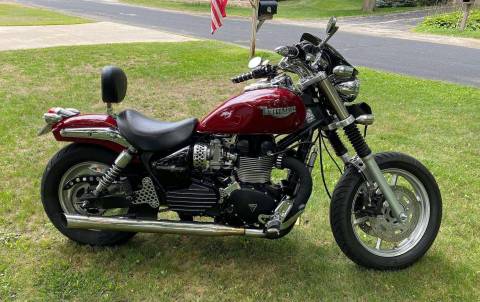
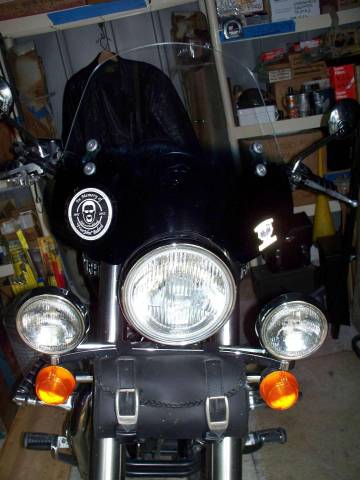
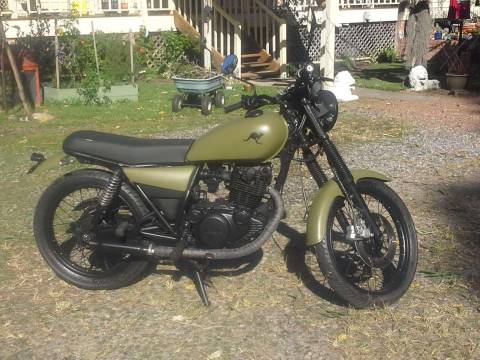
Lets try it! 
|
|
|
Re: adding photos
|
Joined: Jun 2008
Posts: 60
Member
|
|
OP
Member
Joined: Jun 2008
Posts: 60 |
|
|
|
Re: adding photos
|
Joined: Feb 2007
Posts: 23,244 Likes: 64
Fe Butt
|
|
Fe Butt
Joined: Feb 2007
Posts: 23,244 Likes: 64 |
I learned all I need to know about life by killing smart people and eating their brains.
Eat right ,Exercise ,Stay fit, Die Anyway!
|
|
|
|
|
|
|